

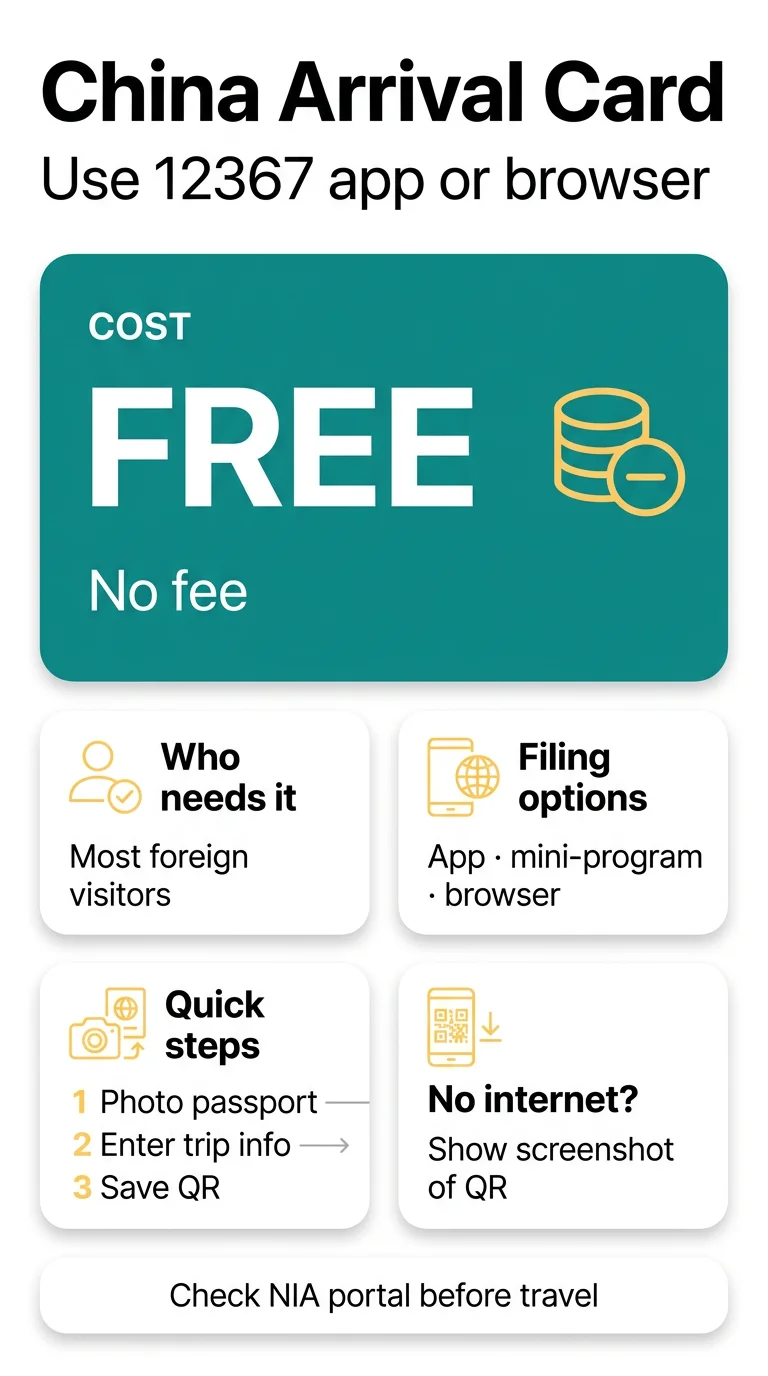
For a China arrival card app download, install the 12367 app from the National Immigration Administration (NIA) via the App Store, or scan a QR code on Android. You can also file in a WeChat mini-program or your phone browser at https://s.nia.gov.cn/ArrivalCardFillingPC/. It’s free.
This is an independent guide, not a government site. We don’t charge fees or file the card for you. Check the rules on the NIA portal before you fly.
Who Needs to Complete the China Arrival Card
Most foreign visitors do, and it’s free. That includes visa-free and transit passengers arriving by air, land or sea. Each entry needs a new card.

These groups don’t need to complete the card:
- Foreign Permanent Residence ID card holders
- Non-Chinese with a Mainland Travel Permit for HK/Macau
- Group visa or group visa-free travellers
- Cruise passengers boarding and leaving on the same ship
- Travellers using express or fast-track channels
- Foreign crew of planes, ships and trains
- Transit passengers staying in the airport restricted area (if you leave it, complete the card)
Unsure? Ask your airline or the NIA. Paid intermediaries charge for a form that’s free on official channels. Sites that imitate the NIA and ask for card details are fraudulent; check that the address ends in .gov.cn. See our guide to China arrival card scam websites for more warning signs, and our overview of exempt travellers and required documents if you’re not sure the card applies to you.
China Arrival Card App Download or Mobile Browser?
The NIA website is listed for desktop use, so check that the form opens on your phone before you rely on it. The NIA portal offers several ways to file: the 12367 app, a WeChat or Alipay mini-program, and the website. If the page won’t load, our guide to fixing s.nia.gov.cn timeouts and errors may help.
| Channel | Notes |
|---|---|
| 12367 app | Downloaded via the QR code on the NIA page |
| WeChat or Alipay mini-program | Search “NIA 12367” or “移民局12367” and pick the NIA-branded one |
| Website | The form can be set to English |
In the browser, open https://s.nia.gov.cn/ArrivalCardFillingPC/ and switch to English.
China Arrival Card App Download: iPhone and Android
The 12367 app runs on iOS, Android and HarmonyOS. On iPhone or HarmonyOS, search “NIA 12367” in your app store and check the publisher.

On Android, scan the QR code on the NIA English page to download the app.
Filling the Form and Saving Your QR Code
The form has five steps and takes a few minutes to complete:
Photograph your passport
Photograph the passport data page without glare, and OCR extraction fills in your name and passport details.
Check the extracted details
Compare them against your passport.
Enter your trip details
Port of entry and flight number; accommodation address (hotel name and full address, or your host’s); +44 phone number and email; purpose of travel; entry policy or visa number, if it applies.
Save your QR code
Take a full-screen screenshot of the QR code and email it to yourself. It works offline. Our guide to the China arrival card QR code explains how to retrieve, save and renew it.
Scan at the border
At e-gates or kiosks, scan your passport, then the QR code.
Filing ahead of departure leaves time to fix mistakes and save the QR code.
Common Mistakes and Related Requirements
Three quick checks:

- Match your name to your passport. If you spot an error after filing, see our advice on fixing mistakes on the China arrival card.
- Add the +44 prefix to your phone number.
- Remember the card isn’t a visa — read more on the difference between the arrival card and a China visa.
Also check:
- Whether a UK passport holder needs a visa depends on the trip and current rules. Check them on the NIA portal before you book.
- Accommodation registration: hotels do it for you. Foreigners staying in a private home rather than a hotel must register their accommodation; confirm the deadline on the NIA portal.
Frequently Asked Questions (FAQ)
Which app do I need to complete the China arrival card?
You can use the NIA 12367 app, but it’s only one option. A WeChat or Alipay mini-program searched as “NIA 12367”, or the browser form at https://s.nia.gov.cn/ArrivalCardFillingPC/, does the same job without installing anything. Choose whichever suits you.
Is the China arrival card app download free?
Yes. The arrival card is free, so there’s nothing to pay when you file the form. Our guide is free too, and we don’t submit anything for you. Paid intermediaries aren’t the same as fake sites. Fake sites pretend to be the NIA and ask for card details.
Is the 12367 app available on Google Play?
On Android, the NIA page provides a QR code for downloading the app. iPhone and HarmonyOS users find the app in their own stores. If that doesn’t suit you, use the browser form instead.
Do I need a China arrival card app download, or can I use s.nia.gov.cn in my phone browser?
The website is listed for desktop use. If the form doesn’t open on your phone, use the 12367 app or a mini-program. When it opens, switch to English and fill in the form.
How early should I submit the China arrival card?
Filing a few days before departure leaves time to fix mistakes and save your QR code. Check the NIA portal before you travel.
Can I change my flight details after submitting the arrival card?
No source we checked explains how to correct a submitted card, so check the NIA portal for the current procedure.
What if I have no internet at the airport in China?
Show the saved screenshot or emailed copy of your QR code, which can be presented offline. Paper arrival cards also remain available at immigration counters if digital submission fails.
Do UK citizens still need a visa if they have completed the arrival card?
Whether UK citizens need a visa depends on the type of trip. The arrival card itself is a separate form and doesn’t replace a visa. Check current rules before booking.
Sources
- NIA arrival card portal: file the form
- NIA page on accommodation registration channels: app and QR code
- Shanghai government portal: accommodation registration
Rules can change, so check the portal before you travel.