

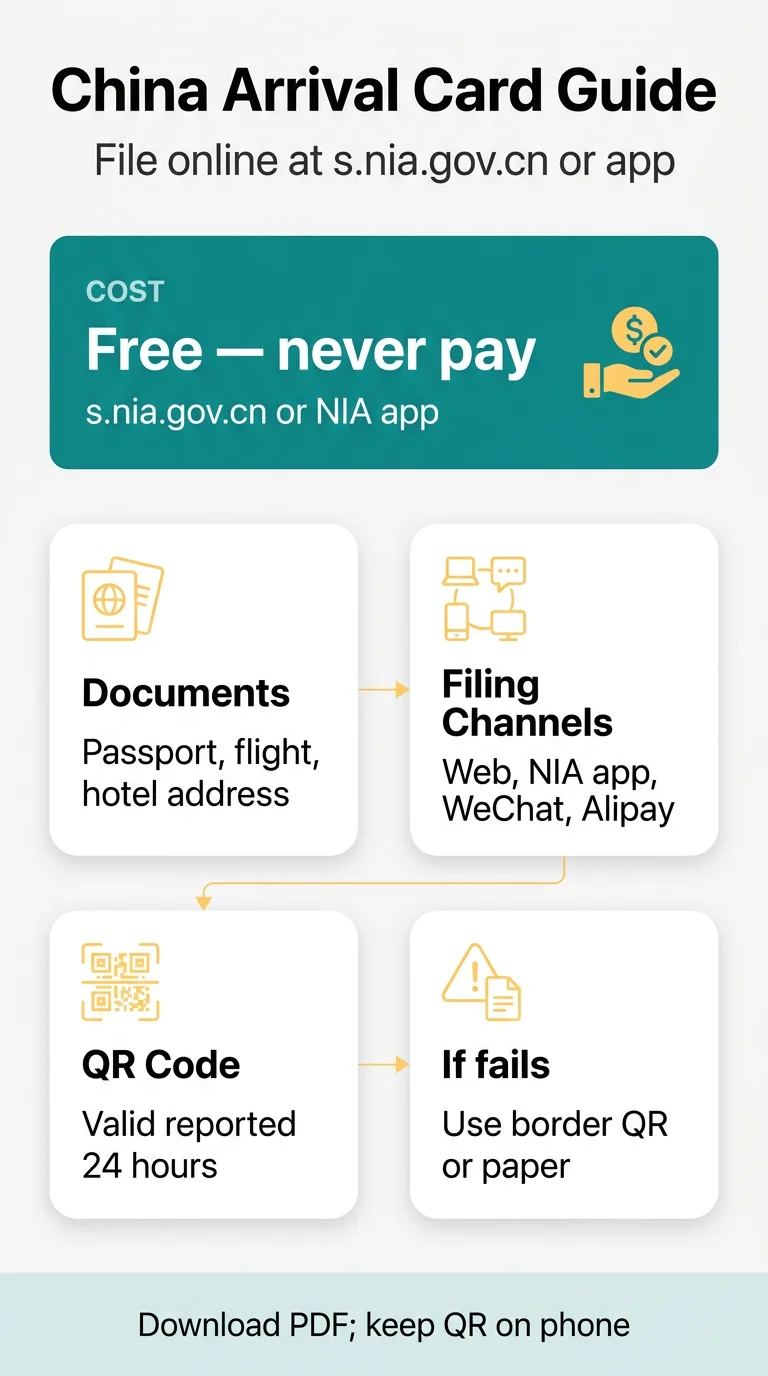
The arrival card filling s nia gov cn process is free and runs on the National Immigration Administration (NIA) portal at s.nia.gov.cn/ArrivalCardFillingPC. You can file on the web portal or in the NIA 12367 app. Submit your passport and flight details, then save the receipt.
This is an independent guide, not a government site. You file on the NIA portal. We don’t charge fees or submit the card for you, so check rules and dates there before you travel. Below are the filing channels, the exemption list and the settings that keep the form working. For a broader overview of the declaration itself, see our complete guide to the China arrival card.
Who Must File and Which Channel to Use
Most foreign arrivals file this declaration, including individual visa-free travellers. Online filing began on 20 November 2025, and the paper card remains a fallback for travellers who cannot file online.
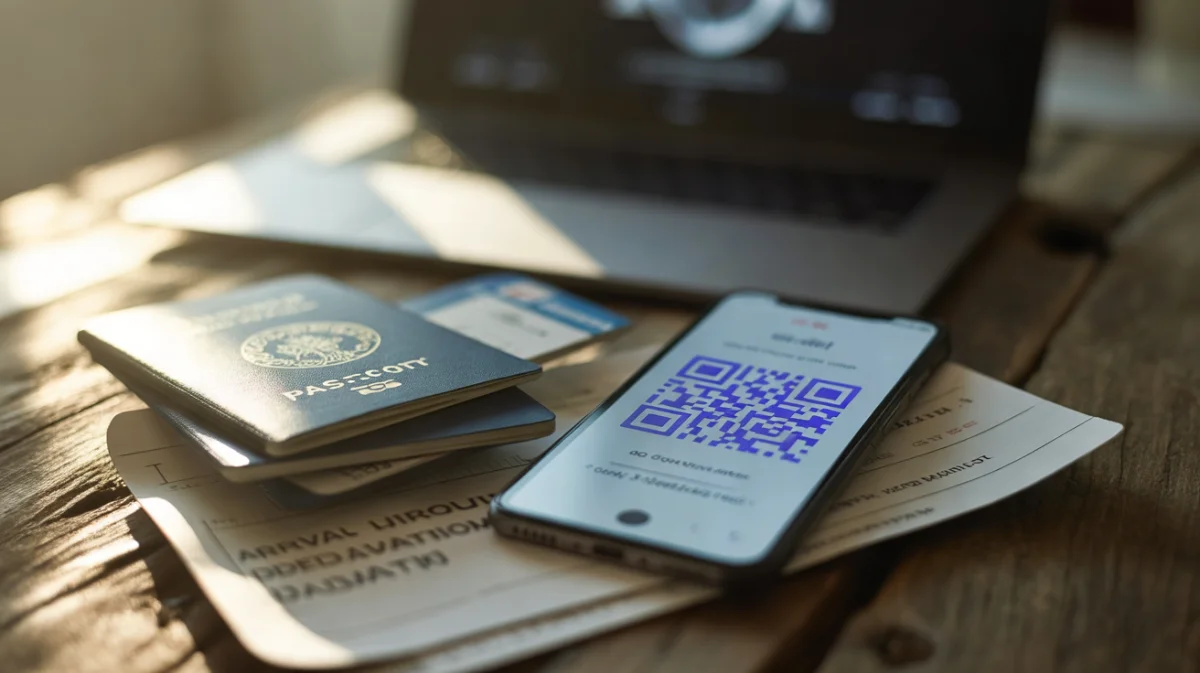
| Channel | Cost | You need |
|---|---|---|
| Web portal | Free | Internet access |
| NIA 12367 app | Free | The app on your phone |
| WeChat mini program | Free | |
| Alipay mini program | Free | Alipay |
These groups don’t need to file:
- Foreign Permanent Resident ID Card (“five-star card”) holders
- Non-Chinese holders of the Mainland Travel Permit for Hong Kong and Macao Residents
- Tour group members on a group visa or group visa-free entry
- 24-hour direct transit passengers who never leave the port’s restricted area
- Cruise passengers entering and leaving on the same ship
- E-channel travellers
- Foreign crew of international transport vehicles
Individual visa-free entry and 240-hour transit aren’t exempt. For transit, select the transit policy in the form — our transit passenger guide explains the difference between airside and 240-hour entry.
There’s no fixed deadline. File once your flight and first-night address are confirmed, ideally several days ahead. The QR code is reported to be valid for 24 hours, so refresh it on the day you travel. Unsure about your case? Check the NIA portal first.
Browser, Language and Mobile Display Settings
The NIA portal doesn’t publish browser requirements or an interface guide, so if the page won’t load or fields behave oddly, the simplest route is to try another browser or switch to the NIA 12367 app, and to check the portal itself for any published guidance before you travel. If the site fails entirely, our troubleshooting guide for s.nia.gov.cn loading problems covers timeouts, SMS and upload errors.
Arrival Card Filling s nia gov cn Process
Have your passport, flight details and first-night China address at hand.
Open the NIA portal
Go to s.nia.gov.cn/ArrivalCardFillingPC.
Upload your passport photo
Upload a clear photo of the passport’s bio page, check what the system read automatically and retake the photo if it is misread.
Fill in personal and passport fields
Fill every field marked *.
Enter your entry policy and travel details
Select your entry policy, enter your visa or transit details, then your flight and first-night address.
Add companions if needed
Each companion gets their own declaration and QR code.
Review, sign and submit
Correct entries before you sign, then sign and submit.
Save your receipt
Save the Entry Declaration Receipt, a QR code with a PDF slip.
Before you start a group filing, gather each companion’s passport details and address.
Saving Your Receipt and Fallback Options
Your receipt is a QR code plus a PDF slip. Download the PDF receipt and keep the QR code on your phone, so you can show it at immigration. For more on retrieving and renewing it, see our China arrival card QR code guide.
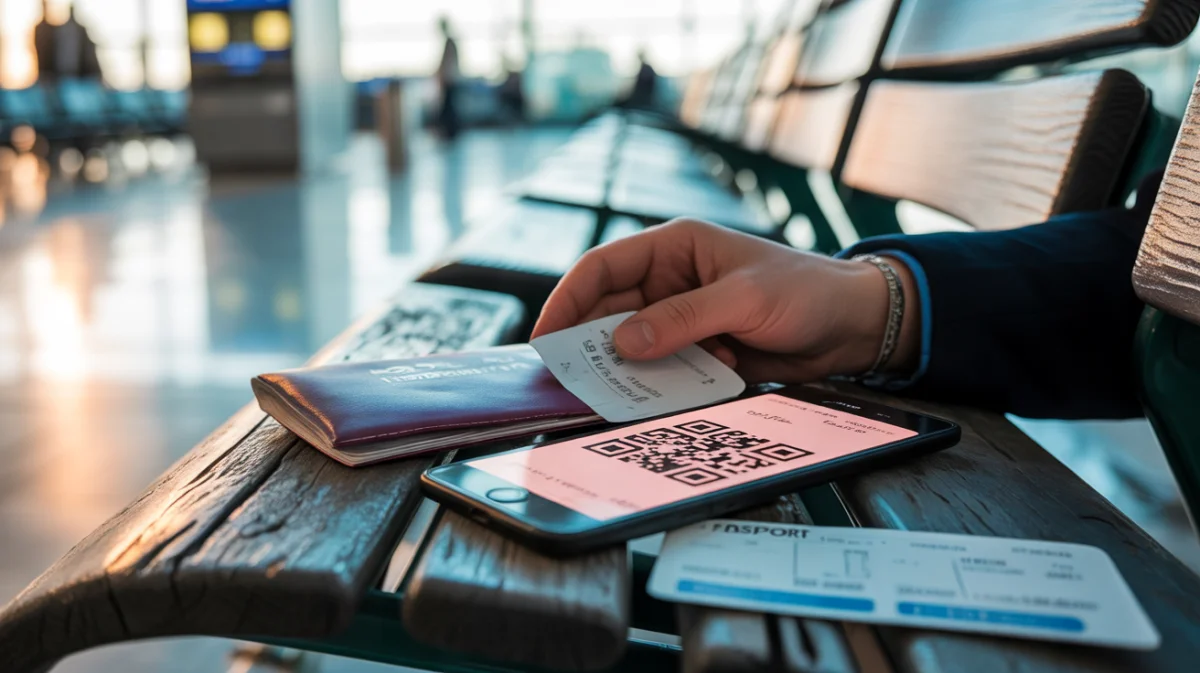
If your flight or hotel changes after submitting, file again and keep both receipts.
If the website fails, try the NIA 12367 app or the mini programs. If you can’t file online, you can scan a QR code at the border, use the smart devices in the arrival hall, or fill a paper card. Questions can go to the 12367 hotline.
Arrival Card Filling s nia gov cn Process Errors
| Problem | Likely cause | Fix |
|---|---|---|
| Date rejected | Format the form expects may differ | Try the format shown in the form, or check the NIA portal |
| Name rejected | Spelling differs from your passport | Re-enter it exactly as printed in your passport |
| Address refused | A * field is empty or entry doesn’t match your booking | Complete every marked field and match your booking |
| Passport photo misread | Unclear photo | Retake it and check the fields the system has filled in |
| Session expired | Long pause during filing | Start again with prepared data, or call the 12367 hotline |
| Blank page or missing button | The portal isn’t loading correctly | Try another browser, the NIA 12367 app, or a border QR code |
- Using a paid imitation site. Filing on the NIA portal at s.nia.gov.cn is free, so close any page that asks for payment to submit the card — our guide to copycat portals and hidden fees shows you how to spot them.
- Skipping the receipt save. Download it before you close the page.

Frequently Asked Questions (FAQ)
Is the arrival card filling s nia gov cn process free?
Yes. The portal doesn’t collect any fee, and the NIA 12367 app and both mini programs are free too, so you should never pay anyone to submit the card. If a page asks for card payment, close it and use the official s.nia.gov.cn address instead.
What is the web address for the China arrival card portal?
It’s s.nia.gov.cn/ArrivalCardFillingPC. Check that the domain ends in .gov.cn.
Which browser works best with s.nia.gov.cn?
NIA doesn’t name one. If the portal doesn’t load properly in your browser, try another one, or use the NIA 12367 app instead. Any published guidance on system requirements will appear on the portal itself, so check there before you travel.
How do I change the arrival card page from Chinese to English?
NIA publishes no interface guide, so look for a language option on the page itself. If you can’t find one or an error appears in a language you don’t read, note which field it points to and, if you’re still stuck, call the 12367 hotline for help.
Why can’t I see the Next or Submit button on my phone?
The page may not be displaying fully on your screen. Try adjusting your phone’s browser settings, or switch to the NIA 12367 app, which is designed for mobile filing. If neither works, you can scan a QR code at the border or use the smart devices in the arrival hall.
Can I save my PDF receipt if I opened the link in WeChat?
Open the portal in your phone’s standard browser and download the PDF receipt there, so you have it saved before you travel. If the download won’t start, call the 12367 hotline for guidance, and remember you can also show the QR code at immigration when you arrive.
How early can I start the arrival card filling s nia gov cn process?
File as soon as your flight number and first-night address are final, usually a few days before departure. The notice only says “before coming to China”, and the QR code is reported to be valid for 24 hours, so refresh it on the day you travel.
What should I do if my flight or hotel changes after I submit?
If your flight or hotel changes after you submit, file again with the corrected details and keep both the old and new receipts. Before you sign, check that the new flight and first-night address match your booking. If you are unsure at the border, bring both receipts.
Sources and Further Reading
- NIA arrival card portal: where you file.
Rules can change, so check the portal before you travel.